




Whether you are a new user or considering switching, in this article we explain where to place the FreeStyle Libre sensor. That small, needle-free glucose measuring device that so many people with diabetes use daily to monitor their glucose without discomfort and in real time. We will also tell you what it is and how to correctly read the data this glucose sensor offers you. Additionally, we will give you some tips to protect it and ensure it lasts the full 14 days without problems.
What is the FreeStyle Libre sensor
The FreeStyle Libre sensor is a diabetes patch for the arm that allows measuring glucose levels in the interstitial fluid (the fluid surrounding the cells, not in the blood). This glucose sensor is the size of a two-euro coin and is applied to the skin with the help of an applicator. Its useful life is up to 14 days, and during that time it stores glucose data every 15 minutes.
Its main advantage is that you don’t need to prick your fingers to get results. Just by bringing the reader or a compatible smartphone close to the sensor, you get the measurement instantly. This way you can detect patterns, anticipate lows, and maintain better overall control.

Where to place the FreeStyle Libre glucose sensor
If you still don’t know or have doubts about where to place the FreeStyle Libre sensor, pay attention, because here we will tell you:
The recommendation is to place it exclusively on the back of the arm, as indicated by the manufacturer. More specifically, on the fleshy area between the shoulder and the elbow, avoiding the more central triceps. Other areas are not validated and could alter the results of glucose monitoring.
Why this place? Because:
- It is an area with good interstitial fluid circulation.
- It has little muscle movement compared to other areas.
- It is easily accessible for both right-handed and left-handed users.
- Reduce the risk of the insulin sensor detaching due to rubbing or pressure.
Although sometimes it is heard that some users place the sensor on other parts of the body (such as the abdomen or thighs), this is not approved by the manufacturer and could affect the accuracy of the measurements.
How to place the sensor
Placing the FreeStyle Libre glucose sensor is a simple process, but it is advisable to do it carefully:
- Wash and dry well the area of the arm where you will place the sensor.
- If you wish, gently shave the area to prevent hair from interfering with adhesion.
- Use the alcohol wipe included in the kit to disinfect the skin.
- Assemble the applicator according to the manufacturer’s instructions.
- Apply the sensor on the arm with a single firm and direct movement.
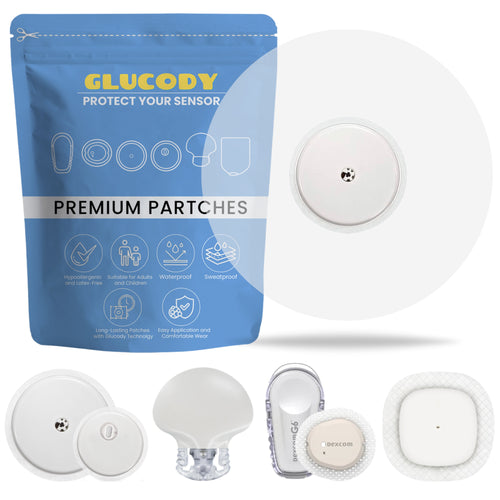
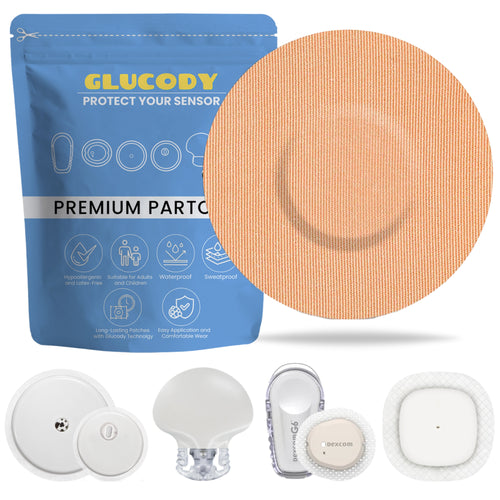
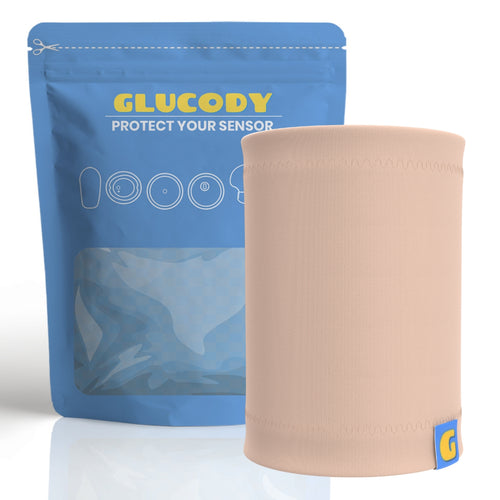
- Make sure it is well adhered, but without pressing too hard. 7. To ensure its fixation and durability, use protective patches, like those from Glucody, which help keep the sensor in place even if you sweat, swim, or play sports.
How to set up a new sensor on the glucose reader
After applying the sensor, it is necessary to activate it from the official FreeStyle Libre reader or from the mobile app:
- Open the FreeStyle Libre app on your smartphone and select the “Start new sensor” option in the main menu.
- Bring the reader or smartphone close to the sensor, hold the position until the app confirms the reading (sound or vibration).
- Wait a few seconds until the device is detected. The system will display a message saying “Sensor activated successfully.”
- You must wait 60 minutes for the sensor to stabilize and start sending accurate glucose readings to your phone. During that first hour, the sensor is calibrating, so no data is obtained. This is completely normal.
- After that time, you can start scanning your levels.

How to measure glucose with the Freestyle Libre sensor
Once the no-prick glucose meter is activated, taking a measurement reading is as easy as bringing the reader close to the sensor. Do it as many times as you want, but remember that the device automatically saves data only every 15 minutes.
You can use the specific reader or the official app, compatible with many Android and iOS phones, the system shows:
- Current glucose reading.
- Graph of the last 8 hours.
- Trend (rising, falling, or stable).
Meaning of the arrows in the glucose reading
In the reading, next to the glucose number, there is an arrow indicating the direction your level is moving. These arrows are a powerful tool to anticipate:
- 🔼 Upward arrow indicates that glucose is rising rapidly.
- ➡️ Horizontal arrow means glucose is stable.
- 🔽 Downward arrow indicates that glucose is dropping.
For example, if your glucose is at 90 mg/dL and the arrow points downward, it might be a good time for a small snack, according to your meal plan.
How to keep the sensor protected?
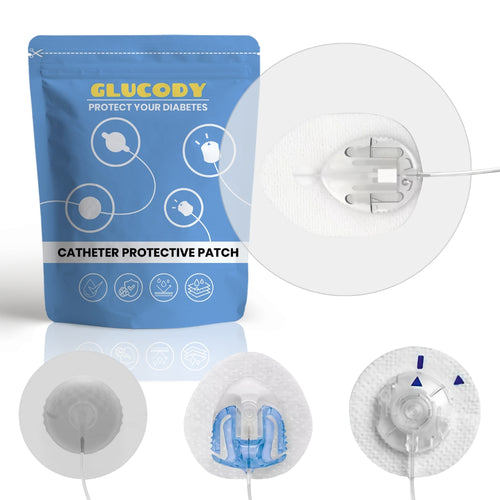
Although the sensor is designed to withstand showers, sweat, and movement, it is recommended to protect it, especially if you play sports, go swimming, or simply live in a hot climate. Glucody protective patches are designed to:
- Increase adhesion.
- Protect against bumps or accidental snags.
- Allow the skin to breathe.
- Be in contact with water without peeling off.
Live with freedom and security thanks to Glucody
Now that you know exactly where to place the Freestyle Libre insulin sensor and how to use it correctly, it will be easier for you to make the most of its benefits.
If you want to buy your protector for the glucose sensor and keep this tool that improves quality of life protected, at Glucody we have everything you need: patches that are durable, comfortable, and safe, adapted to your lifestyle.
Do you have questions? Write to us and we will help you choose the best product for you.


